

ITEM SPECIFICS
-
Brand
Model SJ-28Unbranded
-
origin
Republic of Korea
-
Size(Capacity)
PRODUCT DESCRIPTION
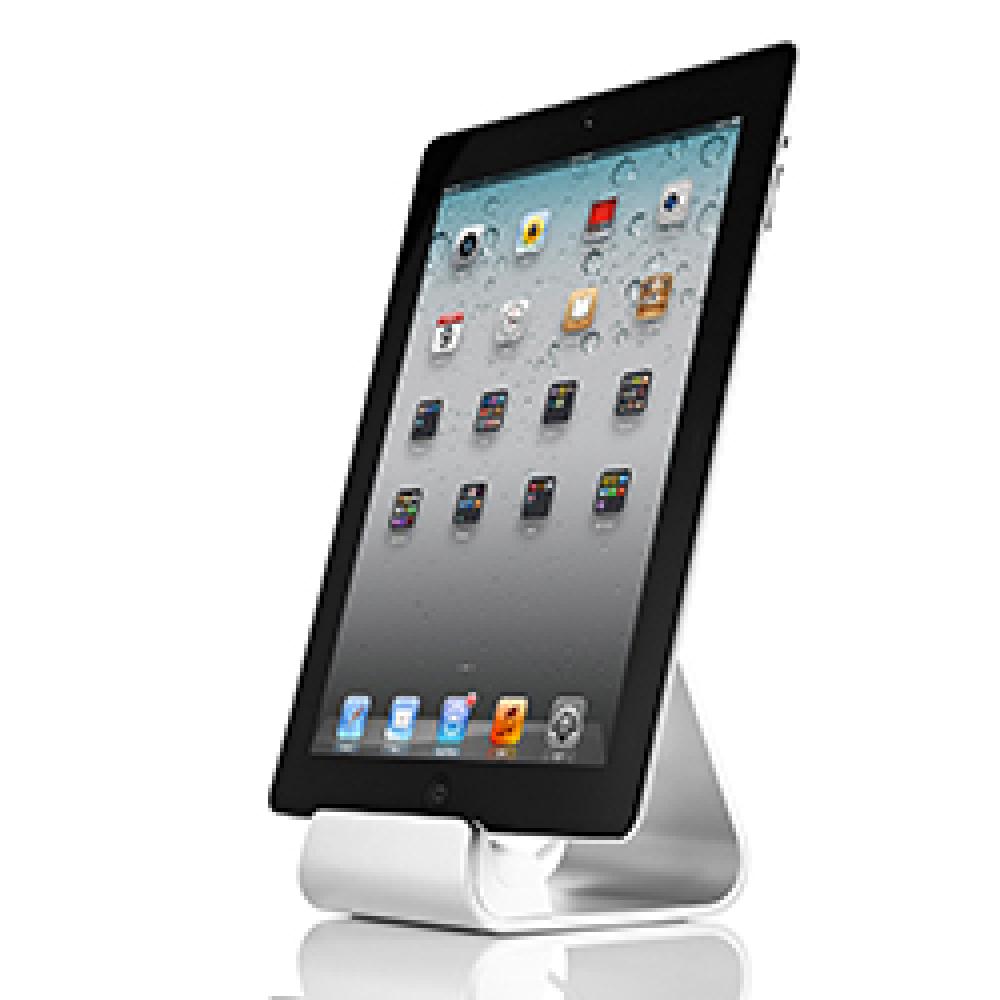
The best charging cradle
for iPad and tablet PC
Charging & Sync
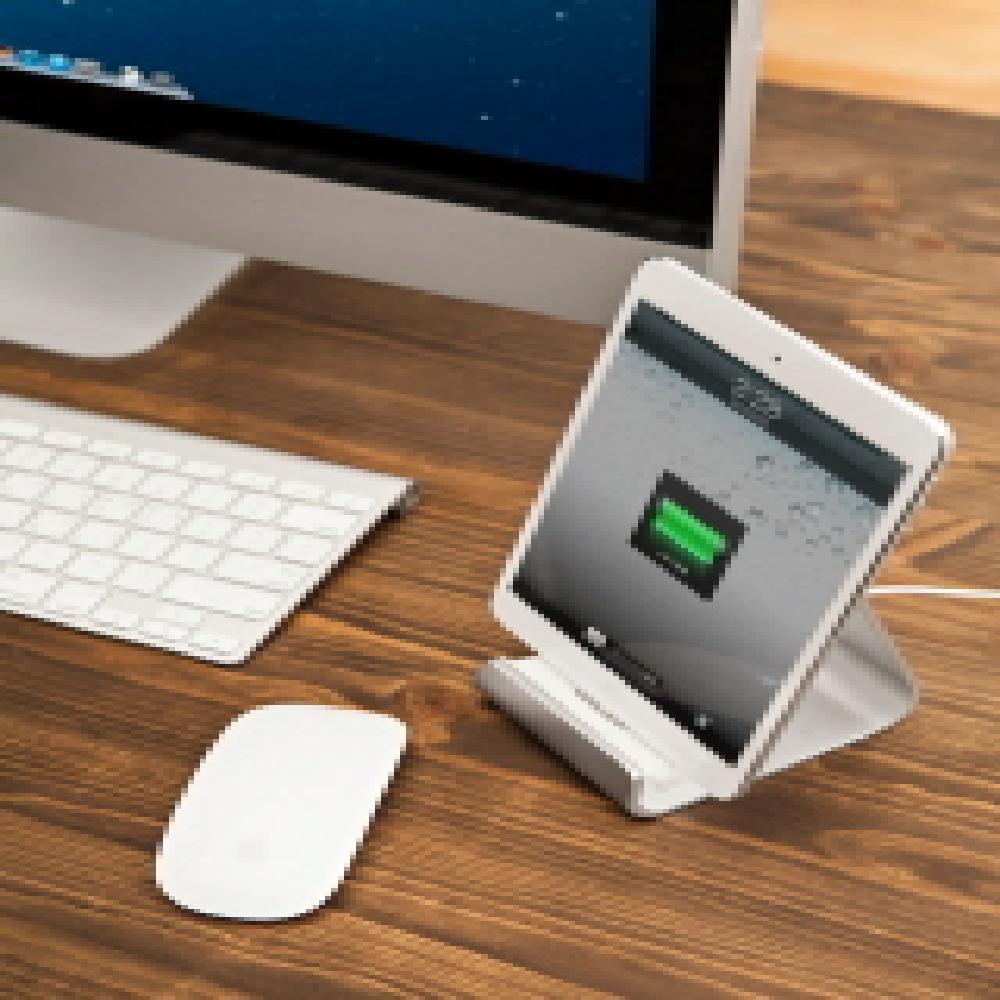
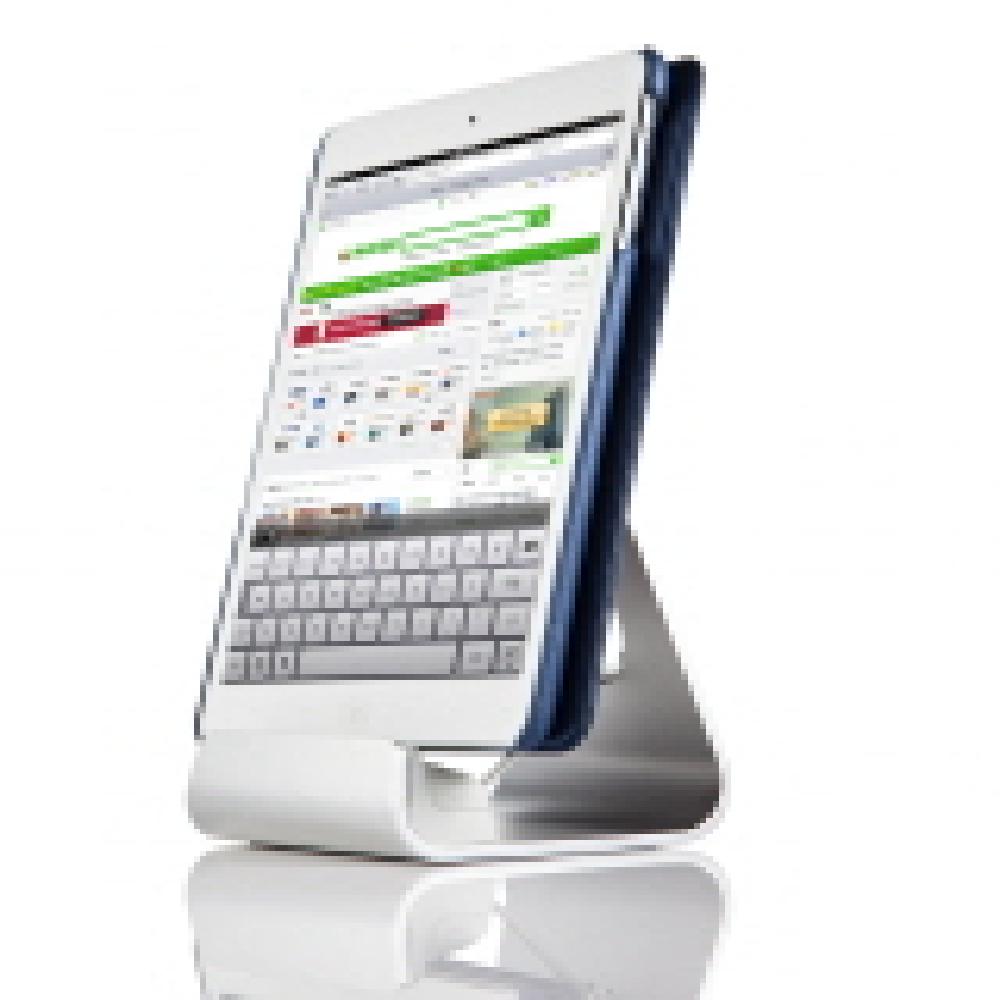
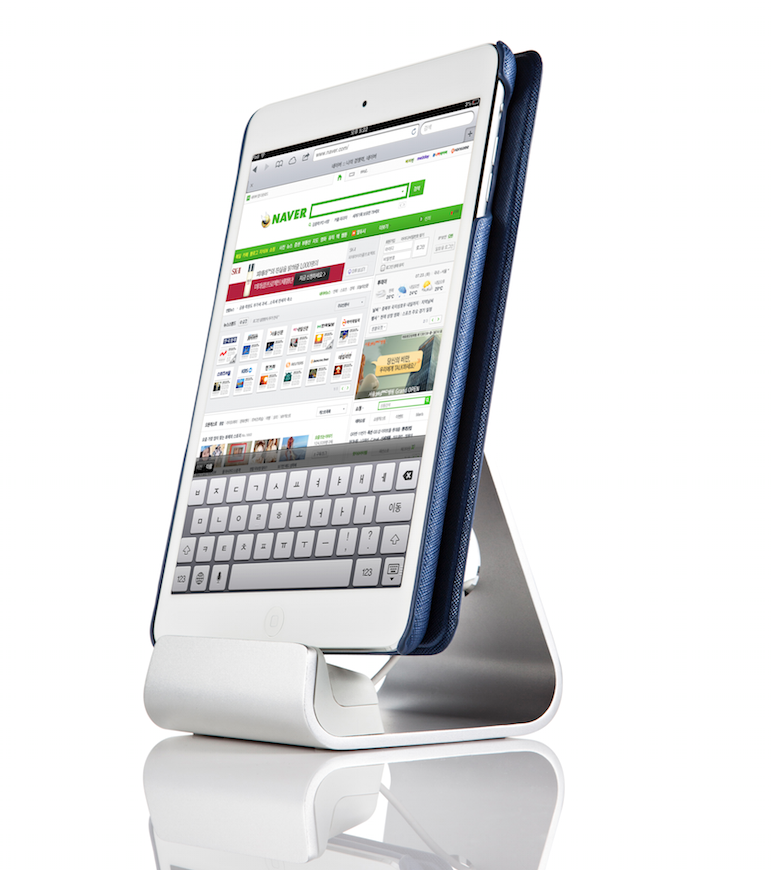
Sync stand provides charging and synchronizing function through a cable. So it can be used for different tablet PCs just by changing cable.
Supporting iPad
Sync stand supports all the iPad and iPad mini protective cover. It can be used for them, being connected with lighting cable or Apple 30 pin cable.
Supporting Android tablet PC
Sync stand supports Android tablet PC in protective cover. One thing to be noted is that only the product provided by Sinjimoru should be used when micro 5 pin USB cable is used.
Supporting Horizontal Viewing
Horizontal viewing is available by placing an iPad or a tablet PC horizontally on Sync stand. So one can watch video or use it just by placing a device on it.
Tablet PCs that the product support
Perfectly-shaped cardle
The profile of Sync stand with an iPad or a tablet PC on it is triangular shape, which is most efficient and stable structure.
In addition, the product is made not to be pushed back easily with the floor foot rubber of silicon material Providing
sufficient friction.
Details for users
we care about iPads and tablet PCs to be used with no damage by preparing thin but solid silicon line on the area with
an iPad or a tablet PC contacts. In addition, as there is floor foot rubber on the bottom of Sync stand, it can be used with
no concern about slip.
Structure for different tablets
The structure of holding a cable in Sync stand is by using a holder. So most of the tablet PCs can be charged or put on it which supports Apple lighting cable, Apple 30 pin cable, Samsung 30 pin cable and micro 5 pin cable just by changing the holder.
Lighting circle
By making diamond cutting at the hole through which a cable pass, we provided luxurious feeling of aluminum and made it as a center of the design as well. In addition, we designed the hole to be fittest to users eye by making it in a long longitudinal oval shape.
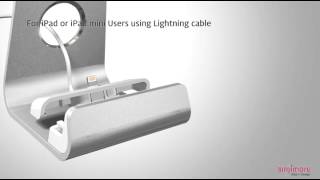
* iPad or iPad mini users using lightning cable

1.Separate top cover of Sync Stand by holding the both sides of it and pushing it backward.
2.Spread i8 holder a little, push in the lightning cable and make connection.
3.Connect i8 holder, which is connected to cable, with top cover. At the time, the groove on the i30 holder should face the lock. (In case holder is connected, separate the holder by pushing the lock.)
4.Hold the both sides of top cover and combine it with Sync Stand.
*iPad user using 30-pin cable [Galaxy Note or Kindle users using micro 5-pin USB cable]

1.Separate top cover of Sync Stand by holding the both sides of it and pushing it backward.
2.Spread i30 holder a little, push in the 30-pin cable or micro 5-pin USB cable and make connection. At the time, make sure that the front of the cable faces the opposite side of separation prevention latch.
3.Connect i30 holder, which is connected to cable, with top cover. At the time, the groove on the i30 holder should face the lock. (In case holder is connected, separate the holder by pushing the lock.)
4.Hold the both sides of top cover and combine it with Sync Stand.
* Galaxy Tap or Note users using Galaxy 30-pin cable

1.Separate top cover of Sync Stand by holding the both sides of it and pushing it backward.
2.Spread G30 holder a little, push in the Galaxy 30-pin cable and make connection. At the time, make sure that the front of the cable faces the opposite side of separation prevention latch.
3.Connect G30 holder, which is connected to cable, with top cover. At the time the groove on the G30 holder should face the lock. (In case holder is connected, separate the holder by pushing the lock.)
4.Hold the both sides of top cover and combine it with Sync Stand.

PAYMENTS DETAILS
- Telegraphic Transfer : T/T
- Name : Manager
SHIPPING
- 396 World Cup buk-ro, Mapo-gu, Seoul (03925)
The person in charge
Chan Ho ChongAddress
396 World Cup buk-ro, Mapo-gu, Seoul (03925)
-
- Business Type :
- Manufacturer
-
- Main Product :
- Smart Phone Accessories
-
- Established :
- 2008-04-30
COMPANY ENVIRONMENT
Please suggest a variety of your ideas such as design, impact, enhancements, etc
Please enter the text on the left image to prevent automatic input.
0 / 4000
CUSTOMER REVIEWS (0)

COMPARISON TO SIMILAR ITEMS more
- No Items
- supplier level
-
 PLATINUM
- Sinjimoru Co., Ltd Seller's Store
- Seller's Store url
- Response Level
★ ★ ★ ★ ★

- Supplier Level
★ ★ ★ ★ ★
- Transaction Level
★ ★ ★ ★ ★